For B2B SaaS, Google Ads work best when you run Search campaigns instead of Performance Max, start every keyword on exact match before expanding to phrase, and build your keyword list around three categories: category terms, capability terms, and competitor terms. Layer a CRM connection on top that imports offline conversions instead of tracking raw form fills, and Google Ads becomes a reliable acquisition channel instead of a budget drain.
Why Listen To Us
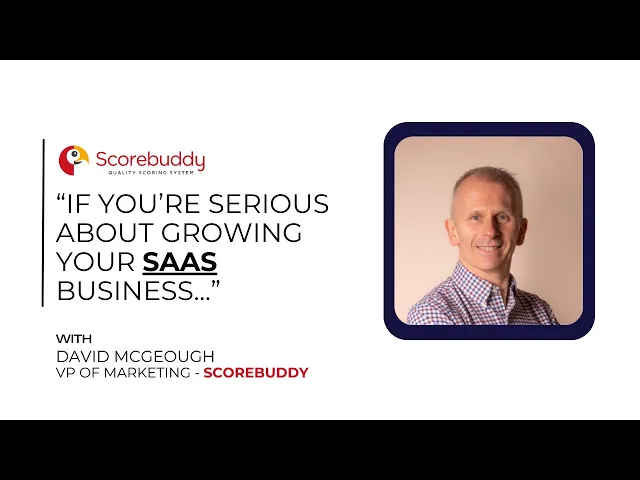
“We’ve seen a significant increase in qualified leads,” says David Mcgeough, VP of Marketing at Scorebuddy. In the first 60 days of managing their Google Ads account, we paused Performance Max, moved budget into targeted Search campaigns, and fixed conversion tracking to focus on qualified leads — generating 25 sales-accepted leads and eliminating €15,000 in wasted Performance Max spend. Watch the full Scorebuddy case study →
Run Search campaigns, not Performance Max
Google Ads is mostly search-driven — it captures people actively typing a query right now, which makes it a bottom-funnel channel: people already in-market, ready to evaluate a solution. CPCs run higher than other channels, but conversion rates are better because the intent is already there. That’s worth protecting, not diluting.
Google reps will often push Performance Max. We rarely see it find the high-intent keywords B2B SaaS needs to consistently produce qualified leads — budget ends up spent across placements you don’t control, some of which were never going to convert.
Standard Search campaigns give you direct control over which keywords absorb the bulk of your budget. Put your spend there first.
Start on exact match, expand only if you have to
Exact match limits Google’s ability to broaden your keywords into loosely related searches or aggressive close variants. Start here.
If exact match can’t spend your full budget, test phrase match next. Phrase requires much more search term report management — you need to catch and exclude irrelevant terms quickly, or it drifts into the same waste exact match was protecting you from.
Use a bottom-up approach: validate exact match first, and only expand to phrase (then broad, if it ever comes to that) when volume genuinely demands it — not by default.
Build keywords around three categories: category, capability, competitor
Three keyword categories consistently convert across the B2B SaaS accounts we manage:
Category terms — someone searching for a product category like yours (e.g. “event management software”).
Capability terms — a specific action or integration your product enables (e.g. “integrate Stripe with QuickBooks”). Lower volume, but higher intent.
Competitor terms — people comparing options or already using a competitor (e.g. “Asana alternative,” “switch from Asana to Trello”).
Performance Max can’t reliably target this specifically the way standard Search can — another reason it underperforms for this use case.
Fix conversion tracking: optimize for qualified leads, not form fills
This is where most accounts quietly fail. The typical setup fires a conversion the moment someone hits a thank-you page after a form fill — every signup or demo booking counted as equal. They aren’t. Google ends up optimizing for volume, not quality.
The fix: connect your CRM to Google Ads and import offline conversions. The mechanism is straightforward — a form fill captures a Google Click ID, your sales team marks the lead qualified or unqualified, and that qualification gets pushed back into Google Ads. From there, you’re optimizing toward actual qualified leads instead of raw form submissions.
If you haven’t made this change yet, it’s probably the single highest-impact fix available to you.
Layer in demand gen remarketing, if the budget allows
If you have budget to spare and a longer sales cycle, add demand generation campaigns remarketing to past website visitors who didn’t convert on their first visit. This isn’t a foundational fix — it’s a layer on top once the fundamentals above are working — but it keeps you visible through a longer B2B consideration window instead of losing that traffic for good.
Key takeaways
Run Search campaigns, not Performance Max — Search gives you direct control over which keywords absorb budget.
Start every keyword on exact match; expand to phrase only if exact match can’t spend the full budget, and monitor search terms closely once you do.
Build keyword lists around three categories: category terms, capability terms, and competitor terms.
Connect your CRM to Google Ads and import offline conversions — optimize for qualified leads, not raw form fills.
Layer in demand gen remarketing to past visitors if budget allows and your sales cycle is long.
Scorebuddy generated 25 sales-accepted leads and eliminated €15,000 in wasted Performance Max spend in 60 days using this exact approach.